Desktop Launcher

Dank One
The launcher for Dank PoS
One button to check, download, verify and install the latest Dank PoS build, with release notes and connection status right on the launch screen. Fast to install. Clean to run. Built for continuous retail operation.
Account RequiredBot-Checked DownloadSHA-256 Published2-Min Signed Link
Dank One
Sync & Launch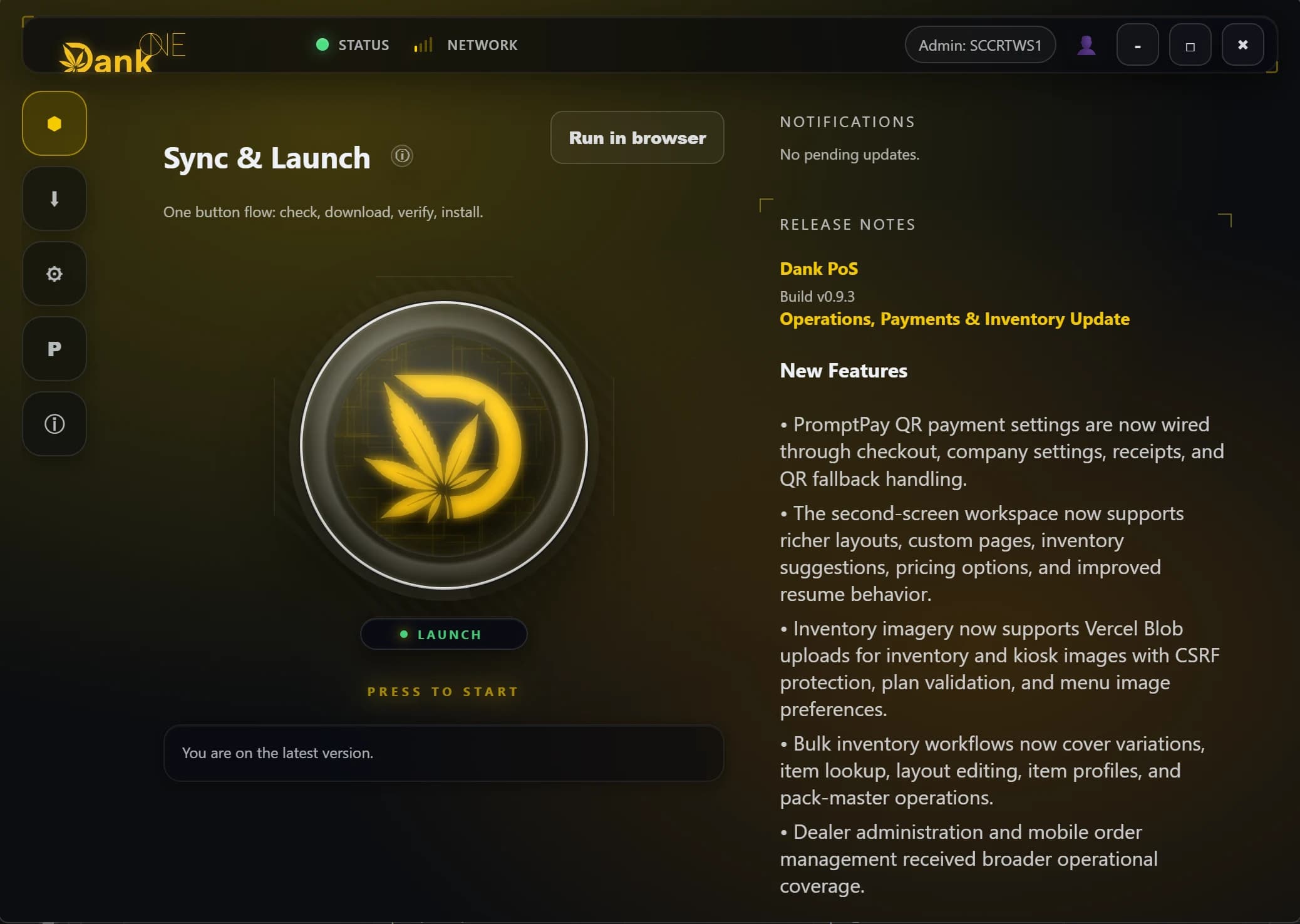
Version
v0.9.82
Installer
116 MB
Platform
Win x64
What Dank One does
- Sync & launch
- One button updates Dank PoS on this PC and opens it.
- Verified installs
- Every download is checked against its SHA-256 before it installs.
- Safe updates
- Each build gets its own folder, so a bad update can be rolled back.
- Release notes and status
- See what changed and whether you are online before you open the till.
Before you install
- Operating System
- Windows 10+ (64-bit)
- Free Disk Space
- ~400MB + PoS client
- Memory
- 8GB RAM recommended
- Network
- Stable broadband for sync + updates
Verify your download
SHA-256 3aeb7e9fa2dcfc11d70b5d55d68d3f186c453225d971cb92d00cfef84f5007d7
Get-FileHash "Dank One Setup 0.1.0.exe"
Prefer the browser?
Dank PoS also runs at dankpos.app on any device, with nothing to install. It is a separate way in: Dank One is the one that installs on your PC.
Open dankpos.app
Shipping in Dank PoS v0.9.9
Security, offline and dealer finance update
New
- Overlord workspace with access controls and a compliance radar.
- Dealer payouts recorded in finance and cash flow.
Improved
- Offline storage is kept per shop, and older offline data migrates automatically.
- Far fewer background requests, and no more freeze after login.
Security
- Kiosk pairing requires a signed setup credential.
- Staff-shift, Loyverse and shop data routes are tied to the signed-in shop.
Fixed
- Dealer DGI visibility and safe removal.
- B2B permissions, supplier payments and batch lookup.
- Voiding a sale restores patient quota.